
BraneBill
The short answer
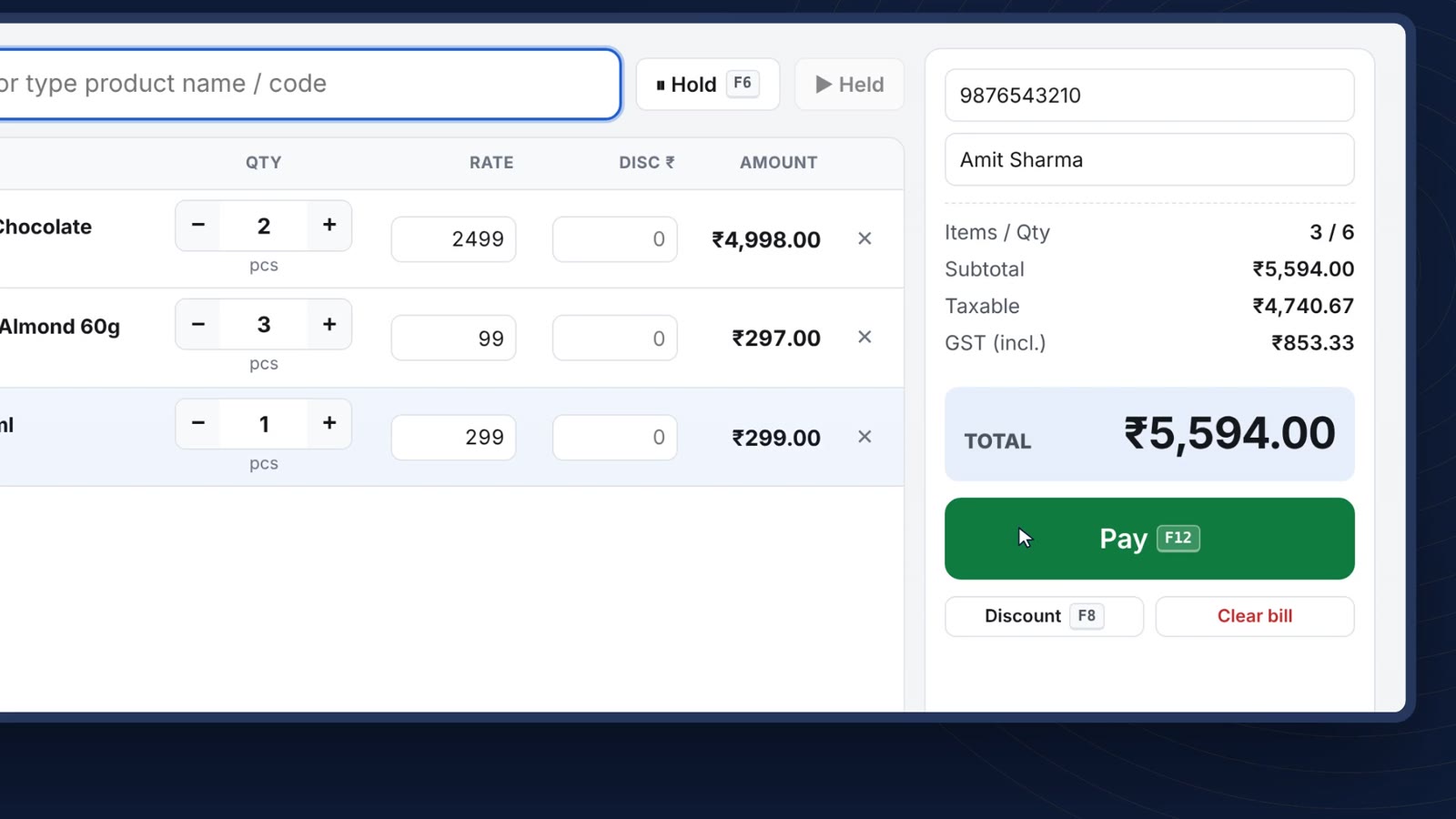
BraneBill turns any computer, tablet or phone into a fast billing counter. Scan a barcode and the item is on the bill. Products without a barcode get one automatically. Every sale reduces stock, every bill can carry a GST breakup, and the dashboard shows sales, profit and low stock at a glance.
BraneBill is built for a busy counter: protein and supplement shops, medical stores, kirana and general stores, cosmetics and stationery. Billing works from a USB barcode scanner or by typing a few letters of the name. Stock goes in with just name, price and quantity, or from a detailed supplier bill with batch and expiry. Each store's data is kept separate at the database level, every staff member gets their own login, and the store admin stays in control of who can do what.
The product, as it ships
What it does
- Barcode billing with name search and quantity shortcuts
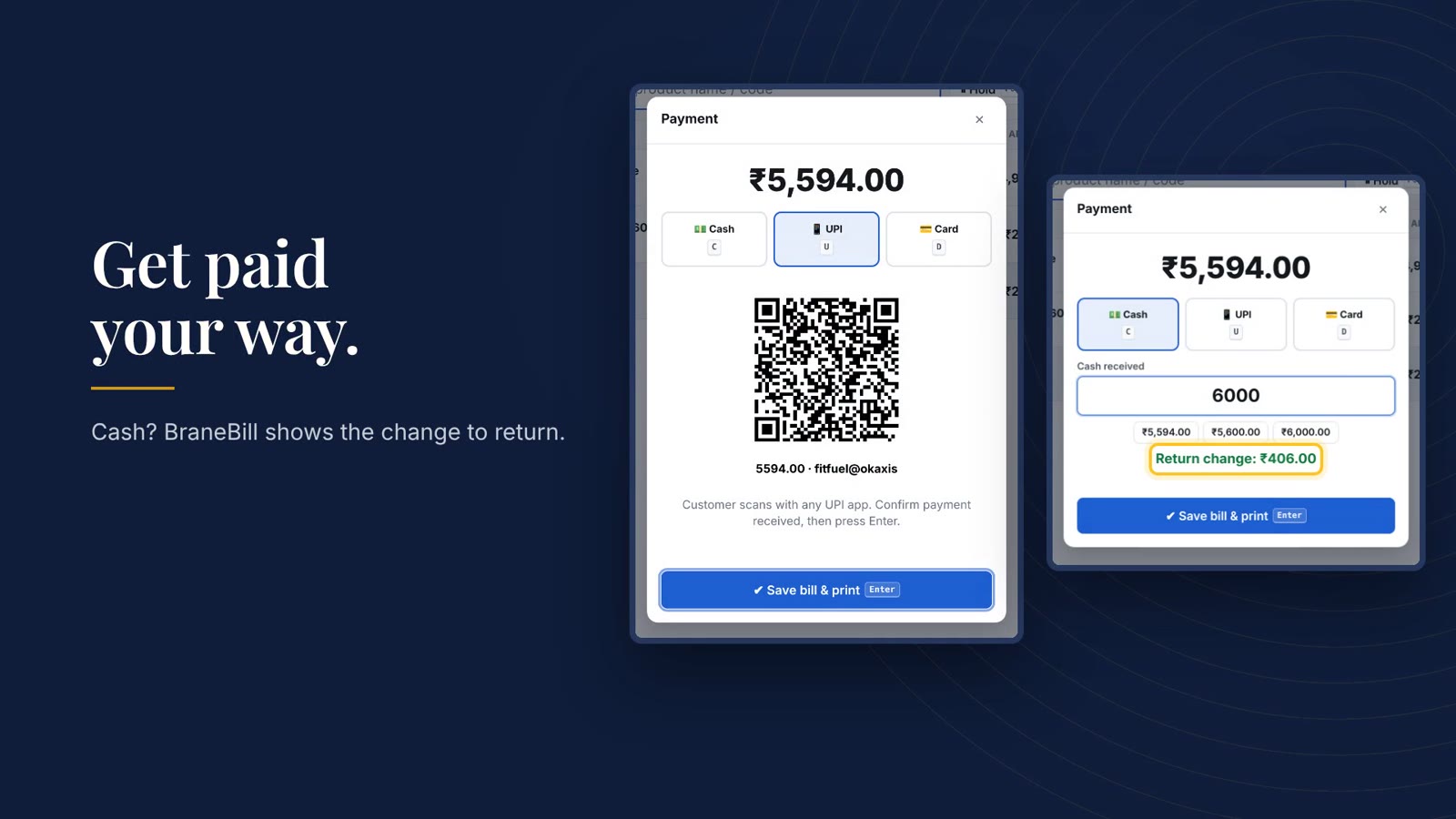
- Cash with change calculator, UPI QR with the exact amount, and card
- Hold a bill and serve the next customer
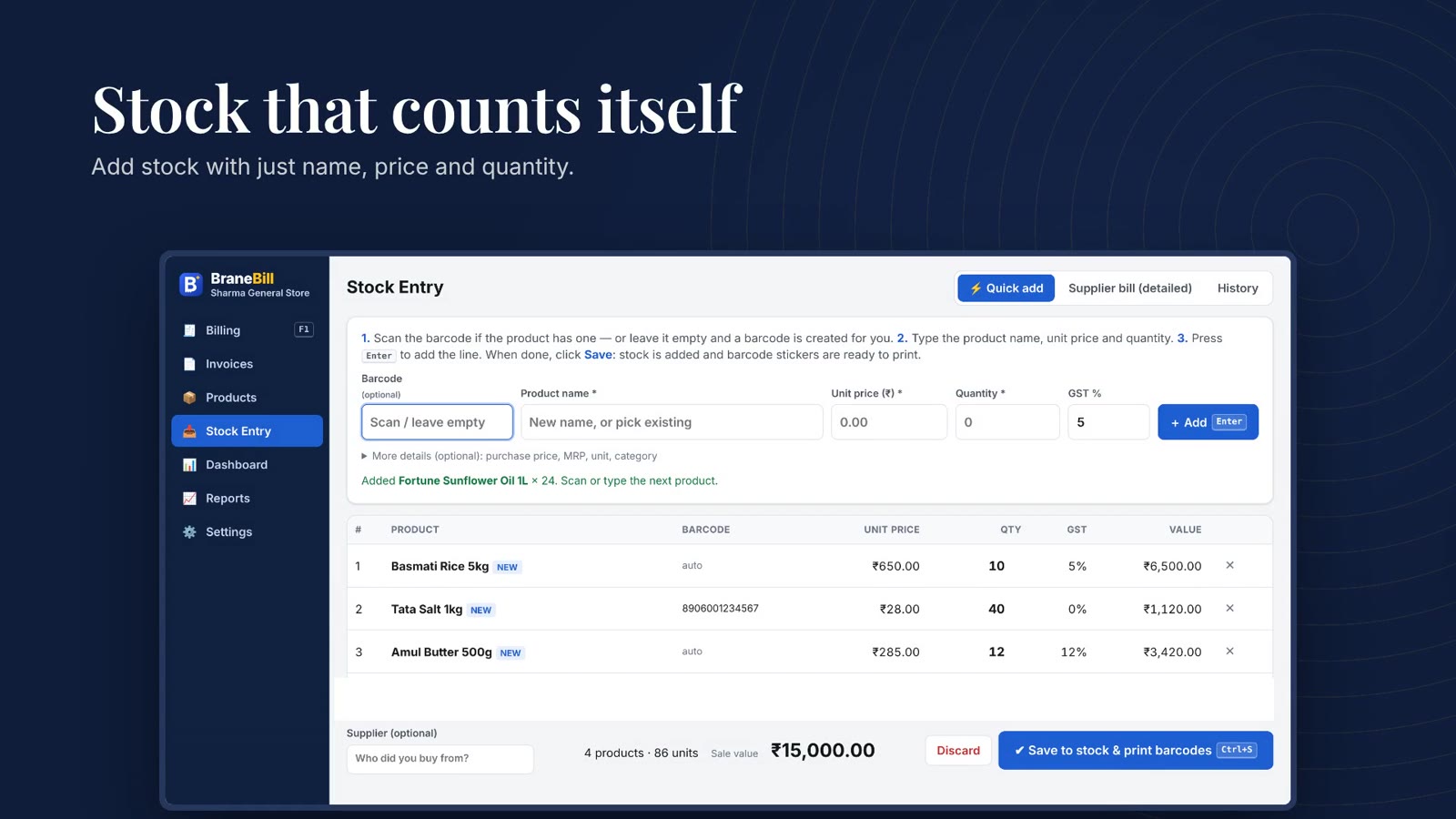
- Quick stock entry, plus supplier bills with batch, expiry and free items
- Automatic barcodes and sticker printing for products without one
- Invoices: search, reprint, and cancel with stock returned automatically
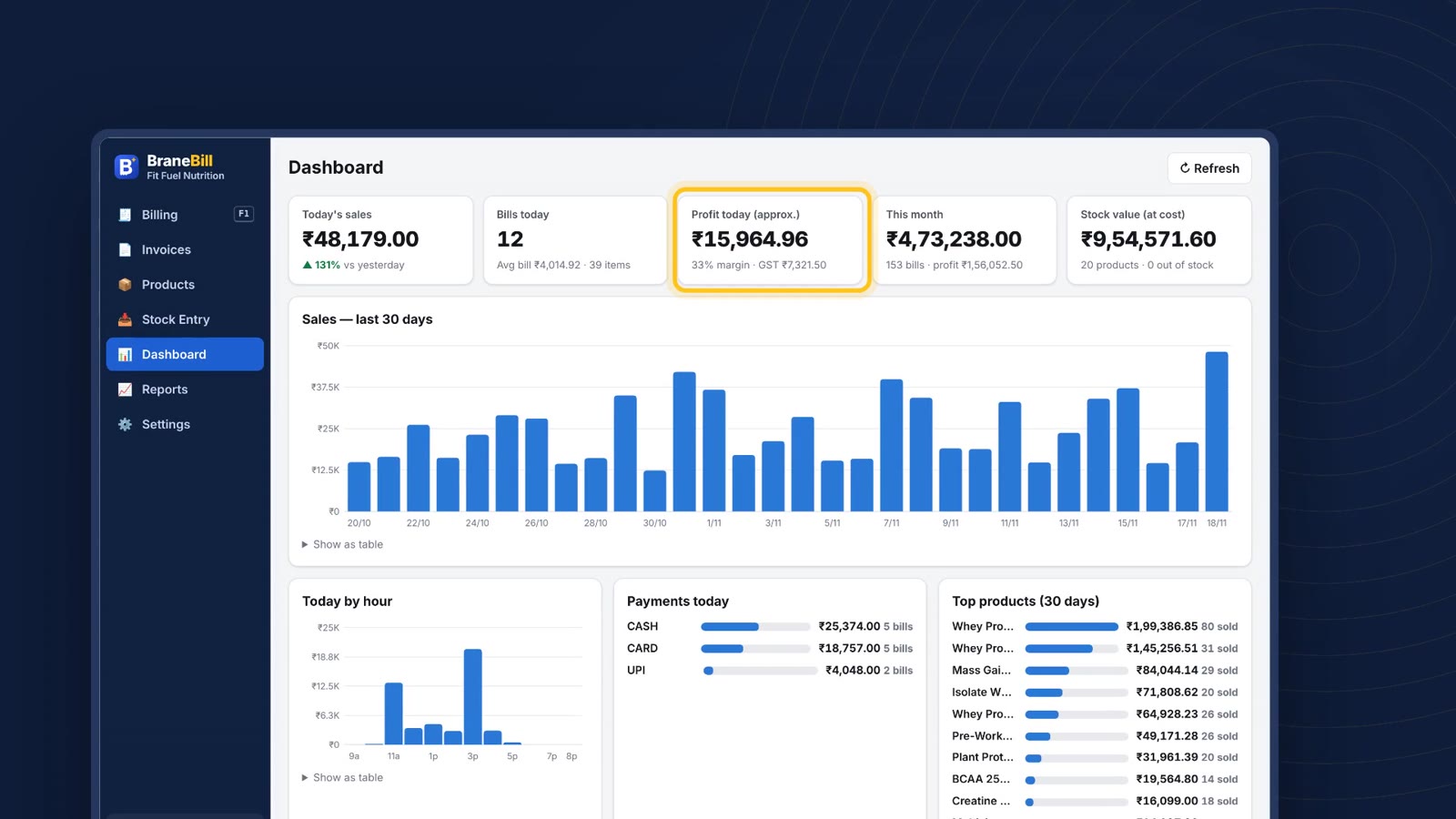
- Dashboard: sales, profit, payment split, top products, low stock and expiry alerts
- Reports: GST summary for filing, product, category, staff and day-wise, CSV download
- Your own bill design: logo, header, footer and terms, on 58 mm, 80 mm or A4
What it connects to
- Any computer, tablet or phone with Chrome or Edge
- USB and Bluetooth barcode scanners in keyboard mode
- 58 mm and 80 mm thermal receipt printers, and A4 printers
- Label printers (50 × 25 mm) and A4 sticker sheets
- Any UPI app, through an exact-amount QR
- Excel (CSV) import and export of products, invoices and reports
Controls
- Every store's data is separated at the database level
- No sign-up: stores are created by Branemind, staff logins by the store admin
- Roles: Cashier, Manager and Admin
- Passwords stored hashed, with lockout after repeated wrong attempts
- A bill interrupted by a network drop is saved exactly once
- Admins can download a full backup of their store at any time
Questions we get asked
What if the internet goes down while billing?
The current bill stays on screen. When the connection is back, press Pay again and the bill is saved exactly once. A mobile hotspot makes a good backup connection.
Can I use BraneBill without GST?
Yes. One switch in Settings removes GST from billing, products, bills and reports. With it on, prices are GST-inclusive and every bill carries the CGST and SGST split.
What if a product has no barcode?
Add it with Quick add. BraneBill creates a barcode for it and prints one sticker per unit. Scanning the sticker at the counter adds the product, with its price, to the bill.
Which barcode scanner do I need?
Any USB scanner in keyboard mode, which is how most ship. Plug it in with no drivers or setup. A 2D scanner reads curved, glossy packs and phone screens more reliably.
Can I bring my product list from Excel?
Yes. Download the template from Products, fill it in, and import it as a CSV.